Build A Project Dashboardv2.0
Always know what's done, what's next, and what to commit. A single Markdown prompt that gives any coding agent the blueprint to build you a real-time, local-only project dashboard — in plain English, in about 10 minutes.
v2.0 ships free. Sign in with a free Don't Sleep On AI account and the prompt is yours. We'll email you when v2.1 ships — that's it.
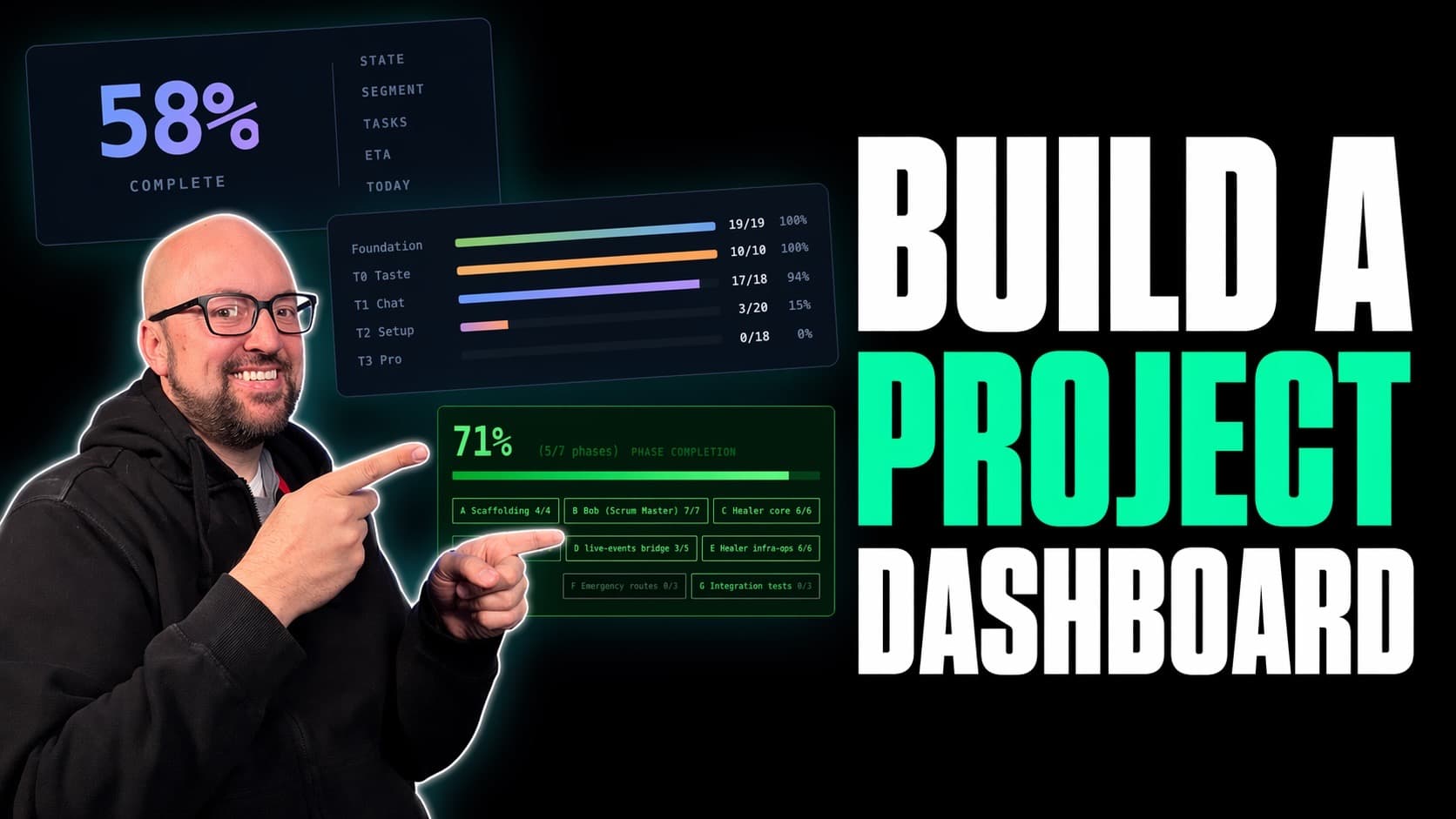
How v2.0 keeps your project on track
Six concrete benefits you get the moment the dashboard is running. Not features for the sake of features — each one removes a specific thing that slows builders down.
Always know the big number
One enormous % at the top — overall project completion, computed from your project's own source of truth. Plus a clear visual of how much is left. No guessing, no mock data, no caching. If you glance at the screen, you know.
Always know what to do next
Exactly one phase carries a pink "Tackle this next" badge — the highest-leverage next move, picked from dependencies and remaining work. Stops you from second-guessing which task to pull off the pile.
See intent vs reality, per phase
For every phase: what it's supposed to build (plain English) and what's actually built so far (plain English). Catches drift between the plan and what the agent actually shipped before it compounds.
Never lose work to messy commits
The commits panel shows what you've saved and analyzes what you haven't. It tells you — in plain English — whether your uncommitted changes are one focused commit or three unrelated ones, suggests commit messages, and gives you a recommended order to commit them in.
Catch reviews you forgot to run
Each phase carries a small badge: Reviewed ✓, Not yet reviewed, or — (if your project has no review process). You'll never accidentally ship a phase to main without running your usual review.
Plain English everywhere
No commit SHAs, no "HEAD detached", no pids in the labels. The dashboard reads like a teammate's stand-up: "Claude has been working on Plan 7-02 for 12 minutes — currently editing 3 files in src/lib/email/." Technical details live on hover, not in your face.
Here's what it looks like in action
A 10-minute build, end-to-end. One prompt, one project, one live dashboard.
What changed in v2.0
From viewer to co-pilot
v1.0 was a configurable viewer — you picked the layout and what to show. v2.0 ships a fixed, opinionated layout that tells you what to do next, not just what's happened. Every choice was removed unless it actively helped you ship faster.
- Fixed top-to-bottom standard layout — no more designing your own
- Per-phase "intent vs reality" cards
- Code-review status badge per phase
- Time estimates pulled from your own project files (no invented numbers)
- "Tackle this next" recommendation, one per render
- Commit hygiene panel — splits, message suggestions, suggested order
- Plain English everywhere — technical strings live on hover only
This is for you if…
- You run a coding agent (Claude Code, Codex, Gemini, Cursor) and want to stop asking "how's it going?" every 10 minutes.
- You're juggling long-running builds and want a glance-able pulse on progress, not a scroll through logs.
- You run multiple projects or multiple agents in parallel and need one place to see who's live, who's idle, and who's blocked.
- You want your project data to stay on your machine — no cloud, no accounts, no telemetry.
- You want your dashboard to do more than show numbers — you want it to tell you what to do next and what to commit.
Frequently Asked Questions
Stop asking your agent how it's going
v2.0 is free. Sign in to a free Don't Sleep On AI account, grab the prompt, and have your dashboard running in about ten minutes.
Free. No payment, no card. We'll only email you when a new version of the prompt ships — one email per release.
